
Choose the market
Start with one of nine prepared US urban markets. The application uses a defined analysis geography; it is not a nationwide parcel search.
Product / Site selection
Compare candidate areas across a supported market before narrowing the search to a specific property.
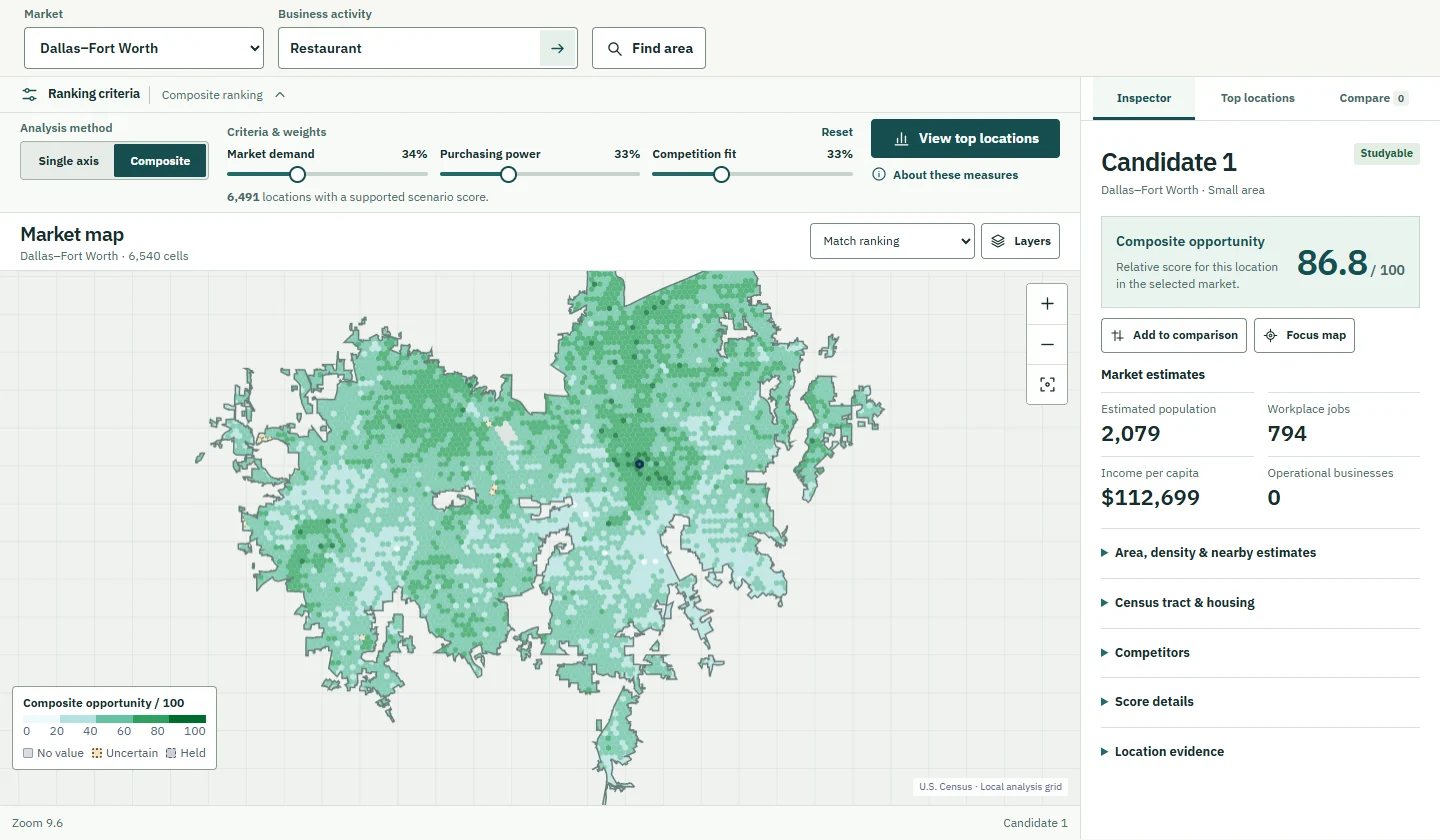
Start with one of nine prepared US urban markets. The application uses a defined analysis geography; it is not a nationwide parcel search.
Search the business activity that best represents your concept. Competition evidence depends on the selected activity and market.
Compare demand, purchasing power and competition fit. Use a single criterion or a composite with adjustable weights.
Review the result and its available supporting evidence. Compare candidates, then verify addresses, lease costs and permissions independently.
A higher relative score identifies an area that compares favorably under your selected criteria in the selected market. It does not mean a business will succeed there, establish a probability of success or predict sales.
If a criterion is unavailable, review the active criteria and weights rather than treating missing evidence as zero. Compare scenarios with the same definitions and settings.